Should Your Small Business Add Online Payments to Its Website?
Payments should solve a workflow problem
Adding checkout because “modern websites take payments” is not enough reason.
The question is whether a payment step removes friction from the way your business already sells.
A consultant collecting a fixed deposit may benefit immediately. A contractor producing custom estimates may still need a quote before payment. A law firm may have specific intake and trust-account requirements that make a generic checkout inappropriate.
Start with the business process.
There are several different payment problems
“Accept payments online” can mean very different things:
- fixed-price product checkout
- service deposit
- invoice payment
- appointment fee
- recurring subscription
- donation
- installment or milestone payment
- saved payment method for future billing
These flows should not be designed the same way.
Pick the payment event first, then build the interface around it.
Fixed-price services are the easiest fit
If a service has a clear price and standard scope, online checkout can be useful.
Examples might include a consultation, class, application fee, event ticket, audit, or productized service.
The site can explain exactly what is included, collect the required customer information, process payment, send confirmation, and trigger the next workflow automatically.
Deposits can be more useful than full checkout
For higher-ticket services, the business may only need to collect commitment.
A deposit flow can happen after a quote is accepted or after a booking is approved.
That can reduce no-shows and eliminate awkward “How do I pay you?” messages without pretending the whole project has a fixed e-commerce price.
Invoices may already solve the problem
Do not rebuild good accounting functionality inside the website.
If your invoicing system already creates payment links, tracks balances, sends reminders, and reconciles transactions, the website may simply need a clean place to start or access that flow.
Custom development should connect systems when useful—not duplicate them for aesthetic reasons.
Think through refunds, cancellations, and disputes
A payment button is easy. Payment operations are the real feature.
Before launch, decide who can refund, whether partial refunds exist, what happens when an appointment changes, how cancellation terms are presented, which email confirms the transaction, and where staff sees the payment.
If the business has never defined those rules, the website project will expose the gap.
Collect only the information you actually need
Checkout forms often become giant intake forms.
Keep payment friction low. If detailed intake can happen after payment, separate it.
For a consultation, you may need name, email, phone, a short reason for the meeting, and payment. A twenty-question questionnaire can follow in the confirmation email if it is truly needed.
Connect payment status to the next action
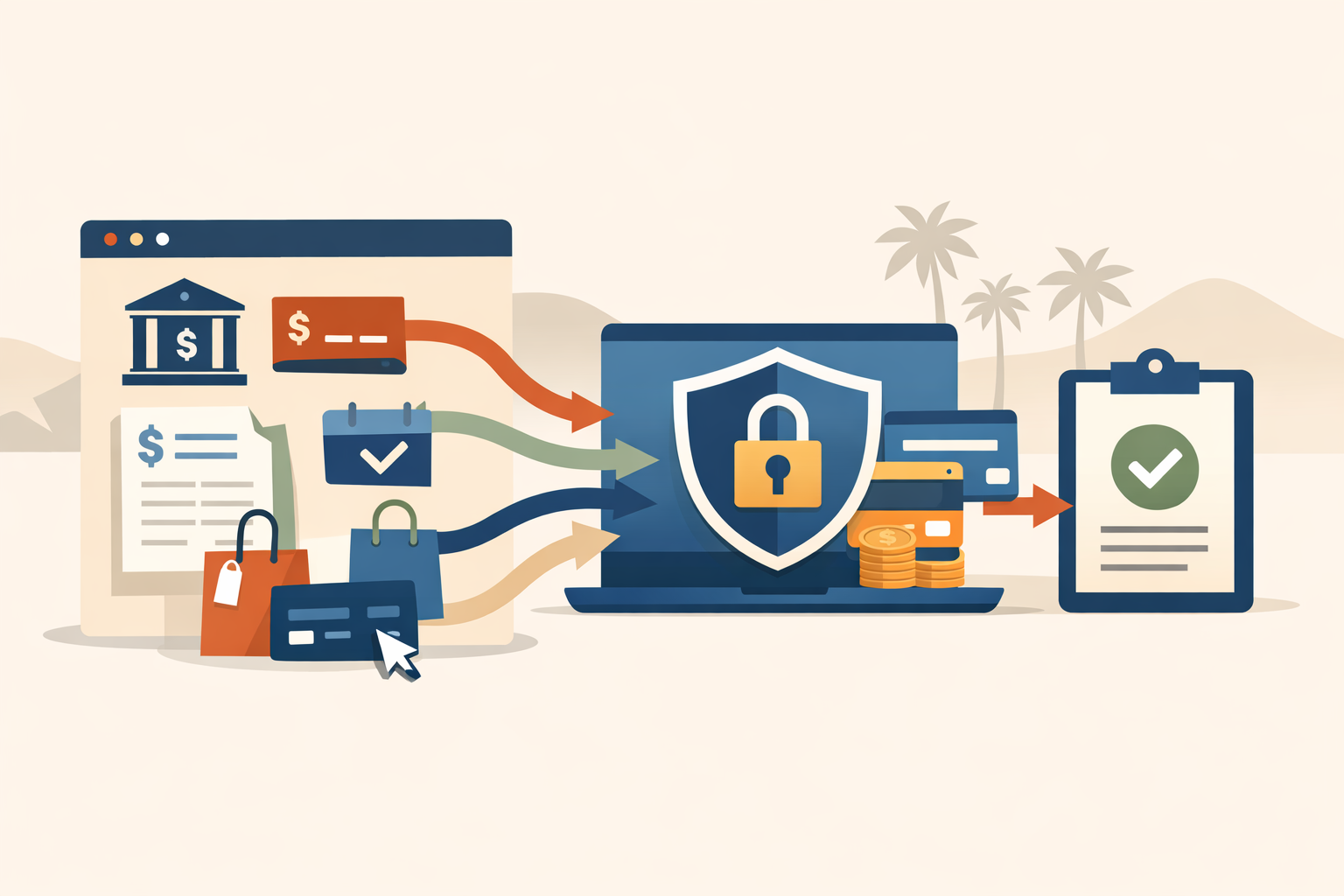
The most valuable part of a payment integration is often what happens after the charge succeeds.
That might create a booking, send intake, notify staff, update a CRM, unlock content, create an order, or mark an invoice as paid.
That is where a website starts reducing administrative work instead of merely moving the credit-card form onto your domain.
Security and compliance are architecture decisions
Do not store card numbers in your own database because you want a “custom” checkout.
Use established payment providers and their secure flows. Let them handle the sensitive payment details whenever possible.
Your custom code should focus on the business logic around the transaction.
The bottom line
Add website payments when they reduce a real handoff: collecting deposits, selling fixed offers, paying invoices, booking appointments, or starting subscriptions.
Skip them when every job requires custom pricing and the checkout would only create confusion.
The best payment feature is usually the smallest flow that connects the customer to the next operational step.
FAQ
Do service businesses need e-commerce to take payments?
No. Many only need deposits, invoice payment, booking fees, or a payment link connected to an existing accounting or scheduling system.
Should my website store credit-card numbers?
Generally no. Use established payment providers and their secure payment components so sensitive card data is handled by the payment platform.
When should payment happen before a service?
When a fixed-price purchase, deposit, consultation fee, or booking policy makes prepayment useful and the refund/cancellation rules are clear.
Want help with this?
If payments are currently handled through texts, invoices, or manual links, I can help map the simplest website flow before adding unnecessary e-commerce complexity.