How to Redesign a Website Without Losing the Google Traffic You Already Have
A redesign is also a migration
The dangerous version of a redesign starts with screenshots.
The safer version starts with data.
If an existing website already gets organic traffic, some of its URLs have history, links, impressions, rankings, or conversions. You do not want to throw that away simply because the new sitemap looks cleaner.
Before I replace an established site, I treat the project as a migration.
Inventory the existing URLs
Start with a list of the current crawlable pages.
For each important URL, note what it is about, whether it gets traffic, whether it has external links, whether it converts, and what the closest equivalent will be on the new website.
This immediately exposes pages that should be preserved and pages that can be consolidated.
Do not rely on memory. Established websites often have useful pages nobody on the current team remembers creating.
Keep strong URLs when there is no reason to change them
A prettier URL is not automatically worth the disruption.
If /services/commercial-roofing already describes the page well and the new page covers the same service, I would probably keep it.
Change URLs when the information architecture genuinely improves—not because the new framework uses a different convention by default.
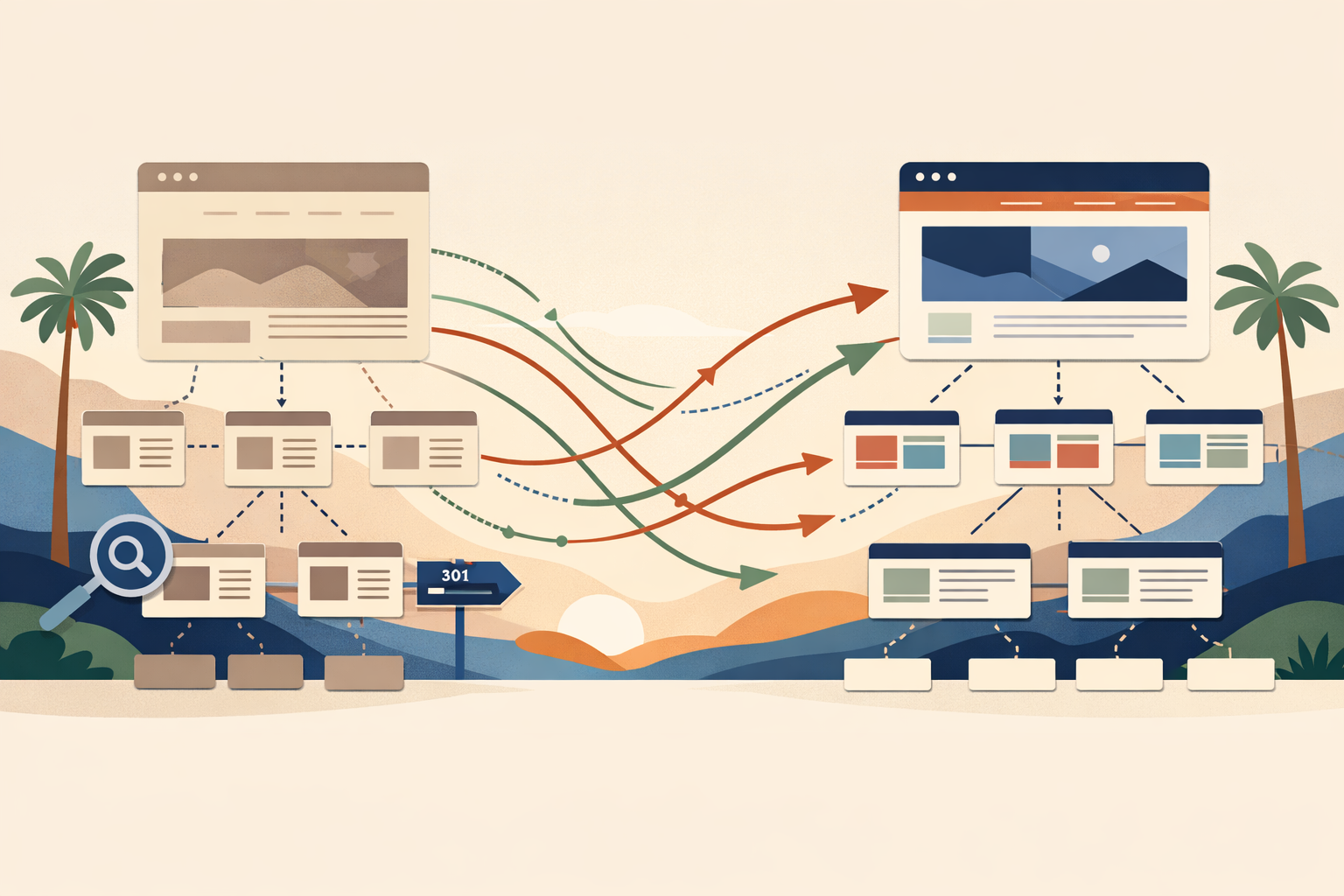
Map every retired page to the best new destination
When a URL must disappear, decide where it should go.
The replacement should be the closest useful page, not always the homepage.
If three old service pages become one stronger service page, redirect each old URL there. If a page has no meaningful replacement and no traffic or links, a redirect may not be necessary.
Redirects are a mapping exercise, not a blanket rule.
Preserve content that is earning its place
Redesign projects often shorten copy because the new visual design looks cleaner with less text.
Sometimes that is the right choice. Sometimes the deleted content is exactly what made the page useful.
Before cutting an established page, look at the queries it appears for, the sections people actually use, and what competitors cover.
Improve weak writing. Remove repetition. But do not delete useful information just to make the page more minimal.
Rebuild internal links deliberately
A new navigation creates new relationships between pages.
Check important internal links from service pages, articles, location pages, case studies, and high-traffic pages. Make sure nothing points to retired URLs or irrelevant redirects.
This is also a chance to improve the site: link informational content to relevant services, connect related articles, and make deep pages easier to discover.
Carry over page-level SEO details
Titles, descriptions, headings, canonical tags, structured data, image alt text, and indexing rules should not disappear during the rebuild.
You do not need to copy every old element exactly. You do need to know what changed.
A migration checklist should distinguish intentional improvements from accidental omissions.
Do not lose analytics during the launch
I want the new site measured from the first real visitor.
Confirm analytics, conversion events, ad pixels where appropriate, form tracking, phone-click tracking, and any consent configuration before launch.
Otherwise you may spend the first two weeks wondering whether leads dropped or measurement broke.
Test the production site, not only staging
Staging can look perfect while production has different caching, redirects, environment variables, domain settings, or indexing rules.
After launch, test the real domain:
- key pages return the expected status
- redirects go to the right destination
- forms work
- sitemap is accessible
- robots rules are correct
- canonical URLs use the production domain
- analytics fires
- mobile pages render correctly
Expect movement, but watch the pattern
Some search fluctuation after a meaningful redesign is normal.
What I care about is whether the right pages remain indexed, whether old URLs resolve correctly, whether impressions disappear from a specific cluster, and whether conversion behavior improves.
Monitor the launch instead of declaring success the moment DNS changes.
The bottom line
A redesign should improve the site without casually discarding the search equity the business already earned.
Inventory first. Preserve strong URLs. Map redirects. Keep useful content. Rebuild internal links. Carry over metadata. Validate production. Monitor what changes.
The safest redesign is not the one that changes the least. It is the one where every important change is intentional.
FAQ
Will a website redesign always hurt SEO?
No. A well-planned redesign can preserve or improve organic performance, but URL changes, deleted content, broken redirects, and indexing mistakes can create avoidable losses.
Should I keep every old URL?
No. Keep strong URLs when they still fit. Redirect retired pages to the closest useful destination when appropriate, and remove low-value pages deliberately.
How long should I monitor SEO after a redesign?
Watch the launch immediately and continue comparing indexing, impressions, traffic, conversions, and redirect behavior over the following weeks and months.
Want help with this?
If your current website already gets traffic, I can treat the redesign as a migration—not just a visual rebuild—and preserve the parts that are already working.